Table of Contents
You do not always need a heavyweight app to get things done. Sometimes a simple calculator, a quick notepad, or a unit converter is all you need. FunnyFunHouse offers a collection of lightweight productivity tools that load instantly in your browser - no installations, no accounts, no clutter.
Calculator: More Than Basic Math
The Calculator on FunnyFunHouse is a full-featured calculator that handles everything from basic arithmetic to scientific calculations. It features:
- Standard mode - Addition, subtraction, multiplication, and division
- Scientific functions - Trigonometry, logarithms, exponents, and square roots
- Keyboard support - Type expressions naturally using your keyboard
- History - Review your previous calculations
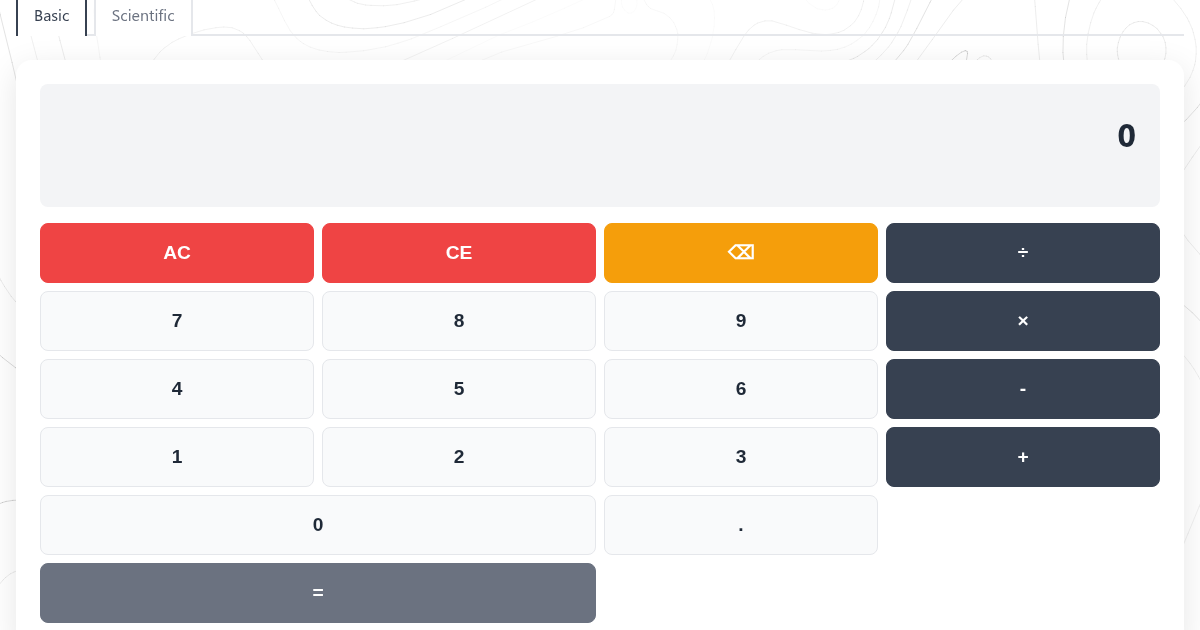
Whether you are splitting a restaurant bill, calculating a tip, or solving an engineering problem, the Calculator has you covered.
Notepad: Your Distraction-Free Writing Space
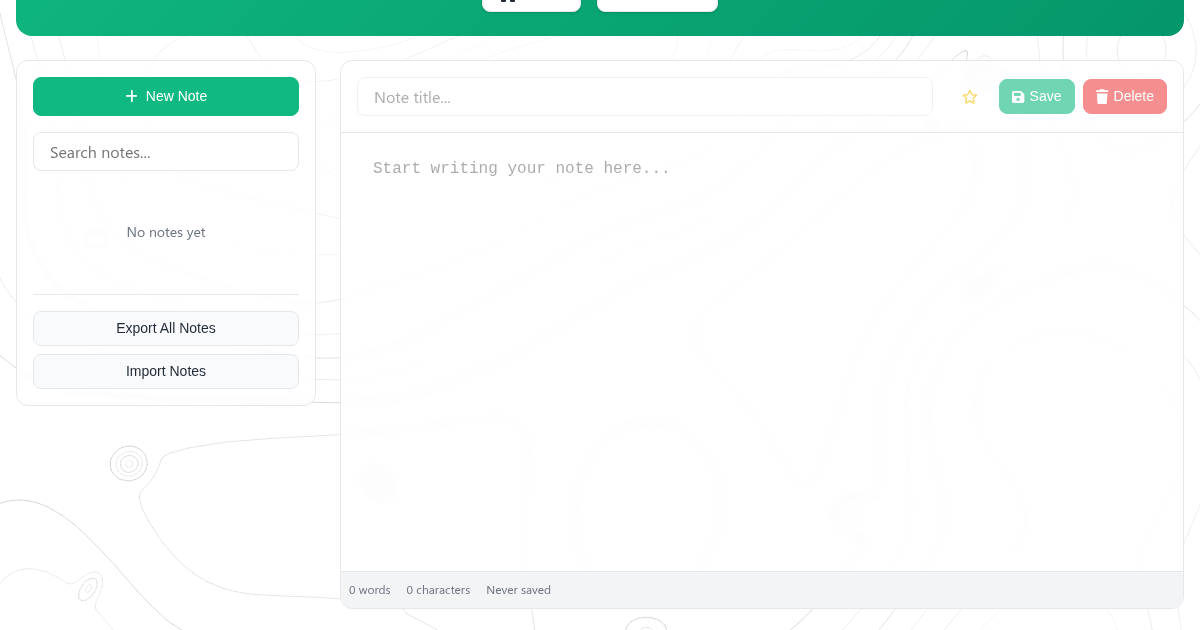
The Notepad is a clean, minimal text editor that saves your work automatically to your browser's local storage. It is perfect for:
- Quick notes - Jot down ideas, phone numbers, or shopping lists
- Meeting notes - Keep notes during calls without opening a heavy word processor
- Draft writing - Start a blog post, email, or social media update
- Code snippets - Store quick code snippets for later reference
Your notes stay on your device and persist between browser sessions. No cloud sync means no privacy concerns.
To-Do App: Stay Organized
Keep track of your tasks with the To-Do App. It is simple by design:
- Add tasks - Type a task and press Enter
- Mark complete - Click to check off finished items
- Delete tasks - Remove items you no longer need
- Persistent storage - Your list survives browser restarts
No account required. No syncing. Just a straightforward to-do list that works.

Unit Converter: Convert Anything
Need to convert kilometers to miles? Celsius to Fahrenheit? The Unit Converter handles conversions across multiple categories:
- Length - Meters, feet, inches, miles, kilometers
- Weight - Kilograms, pounds, ounces, grams
- Temperature - Celsius, Fahrenheit, Kelvin
- Volume - Liters, gallons, cups, milliliters
- And more - Speed, area, time, and digital storage
For developers, there is also the Unit Converter with specialized conversions for bytes, pixels, time units, and more.
Word Counter: Know Your Text
Writing an essay with a word limit? The Word Counter gives you instant statistics about any text you paste or type:
- Word count - Total number of words
- Character count - With and without spaces
- Sentence count - For readability analysis
- Reading time - Estimated time to read the text
More Productivity Tools
FunnyFunHouse's productivity collection also includes:
- Text Case Converter - Convert text between UPPERCASE, lowercase, Title Case, and more
- Counter - A simple click counter for tallying anything
- Temperature Converter - Quick conversions between Celsius, Fahrenheit, and Kelvin
- Medication Planner - Keep track of medication schedules
Why Browser-Based Tools?
These tools have key advantages over native apps:
- No installation - Open a link and start using the tool immediately
- Cross-platform - Works on any device with a browser
- Always up-to-date - No manual updates needed
- Privacy-first - Most tools process data entirely in your browser
- Lightweight - No bloat, no unnecessary features
Start Being More Productive
All productivity tools on FunnyFunHouse are free and instantly accessible. Pick the one you need and get to work.