Table of Contents
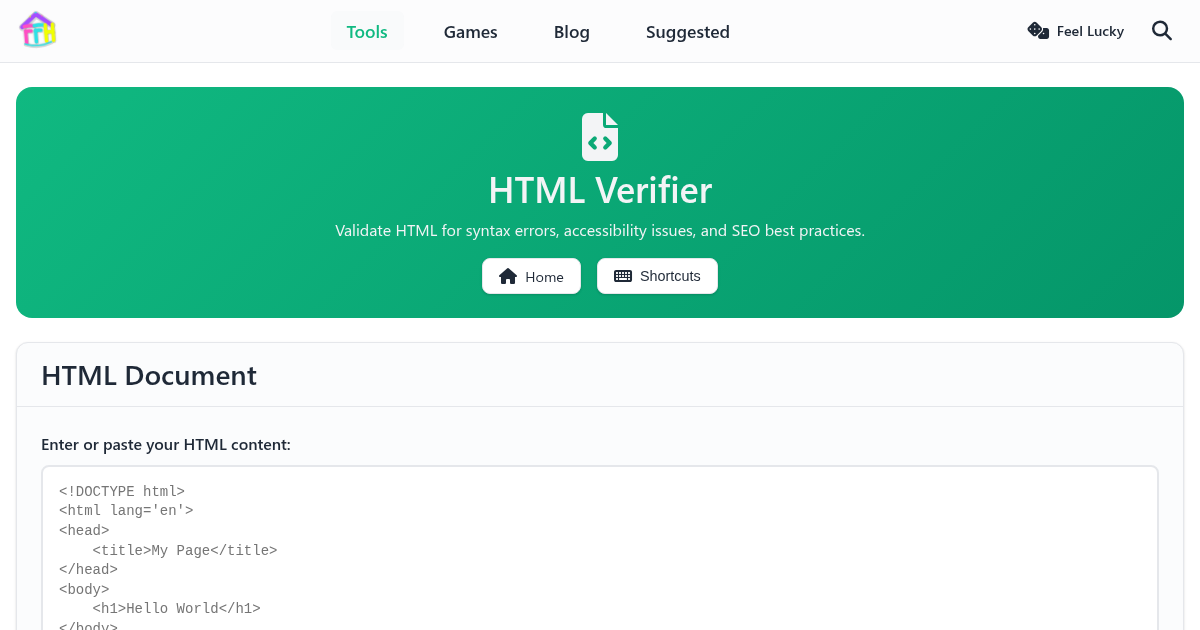
The HTML Verifier on FunnyFunHouse is completely free, runs entirely in your browser, and requires no downloads or sign-ups. Validate HTML for syntax errors, accessibility issues, and SEO best practices. Get actionable feedback to improve your web pages
What It Does
Whether you are a beginner or a power user, the clean interface makes it easy to get started right away. Everything runs locally in your browser, so your data stays private and the tool loads instantly.
Key Features
- HTML syntax validation
- Accessibility (a11y) checking
- SEO best practices analysis
- Real-time error highlighting
- Detailed fix suggestions
- Support for HTML5 elements
Common Use Cases
- Validating web pages before deployment
- Learning HTML by checking your markup
- Ensuring accessibility compliance for websites
- SEO auditing for meta tags and structure
How to Get Started
Getting started is simple:
- Open the HTML Verifier page
- The tool is ready to use immediately - no setup required
- Your settings and data are saved locally in your browser
- Come back anytime and pick up where you left off
Why Choose a Browser-Based Tool?
Unlike installable apps, the HTML Verifier runs entirely in your browser. This means:
- No installation - works on any device with a web browser
- No accounts - no sign-up or login required
- Private - your data never leaves your device
- Always up to date - no manual updates needed
- Free forever - no premium tiers or hidden costs
Related Tools
If you enjoy the HTML Verifier, you might also like: