Table of Contents
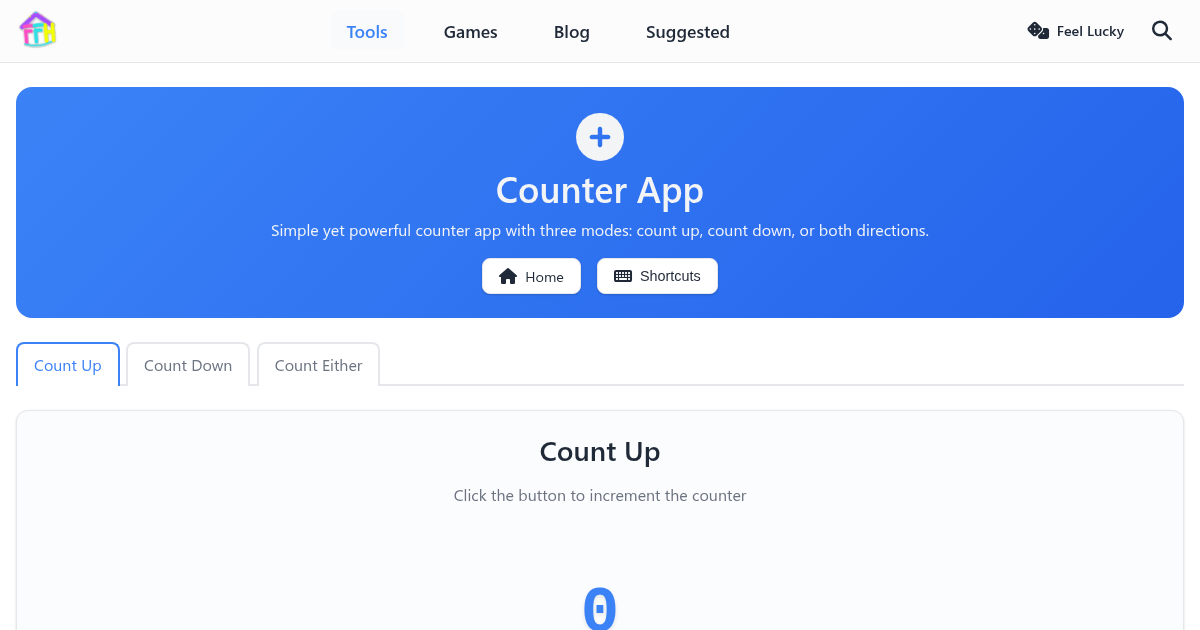
The Counter App on FunnyFunHouse is completely free, runs entirely in your browser, and requires no downloads or sign-ups. Simple yet powerful counter app with three modes: count up, count down, or both directions. Track inventory, people, reps, or anything you need to count
What It Does
Whether you are a beginner or a power user, the clean interface makes it easy to get started right away. Everything runs locally in your browser, so your data stays private and the tool loads instantly.
Key Features
- Count up, count down, or bidirectional
- Large display for easy reading
- Customizable step size
- Reset to zero or custom value
- Keyboard shortcuts
- Persistent count across sessions
Common Use Cases
- Counting inventory or stock items
- Tracking repetitions during exercise
- Tally counting at events
- Simple lap counting
How to Get Started
Getting started is simple:
- Open the Counter App page
- The tool is ready to use immediately - no setup required
- Your settings and data are saved locally in your browser
- Come back anytime and pick up where you left off
Why Choose a Browser-Based Tool?
Unlike installable apps, the Counter App runs entirely in your browser. This means:
- No installation - works on any device with a web browser
- No accounts - no sign-up or login required
- Private - your data never leaves your device
- Always up to date - no manual updates needed
- Free forever - no premium tiers or hidden costs
Related Tools
If you enjoy the Counter App, you might also like: