Web developers juggle dozens of small tasks every day - converting data formats, validating markup, building tracking URLs, or decoding strings. Instead of installing heavy desktop applications or trusting random websites with your data, FunnyFunHouse gives you a full suite of developer tools that run entirely in your browser. Everything stays on your device, loads instantly, and works on any platform.
JSON/YAML Tool: Convert, Format, and Validate
The JSON/YAML Tool is the Swiss army knife for working with structured data. Paste in messy JSON and get it beautifully formatted in one click. Need to convert JSON to YAML or the other way around? Done. The tool also validates your data and highlights syntax errors so you can spot problems before they break your application.
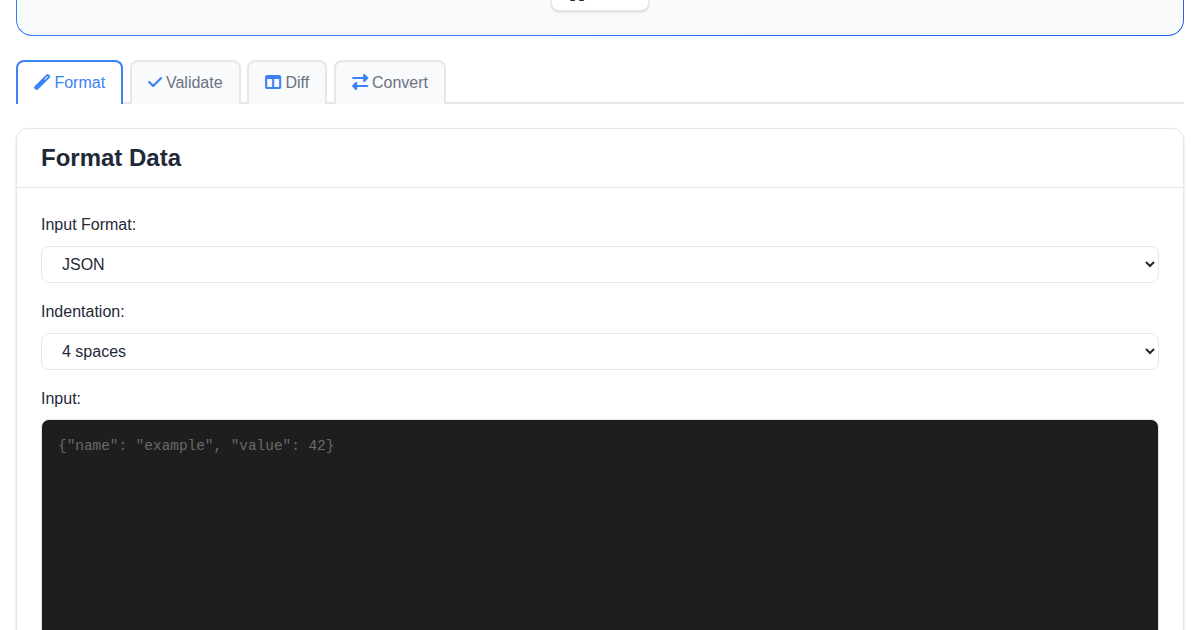
Whether you are debugging API responses, editing configuration files, or preparing sample data for documentation, this tool saves you time.
HTML Verifier: Catch Errors Before Your Users Do
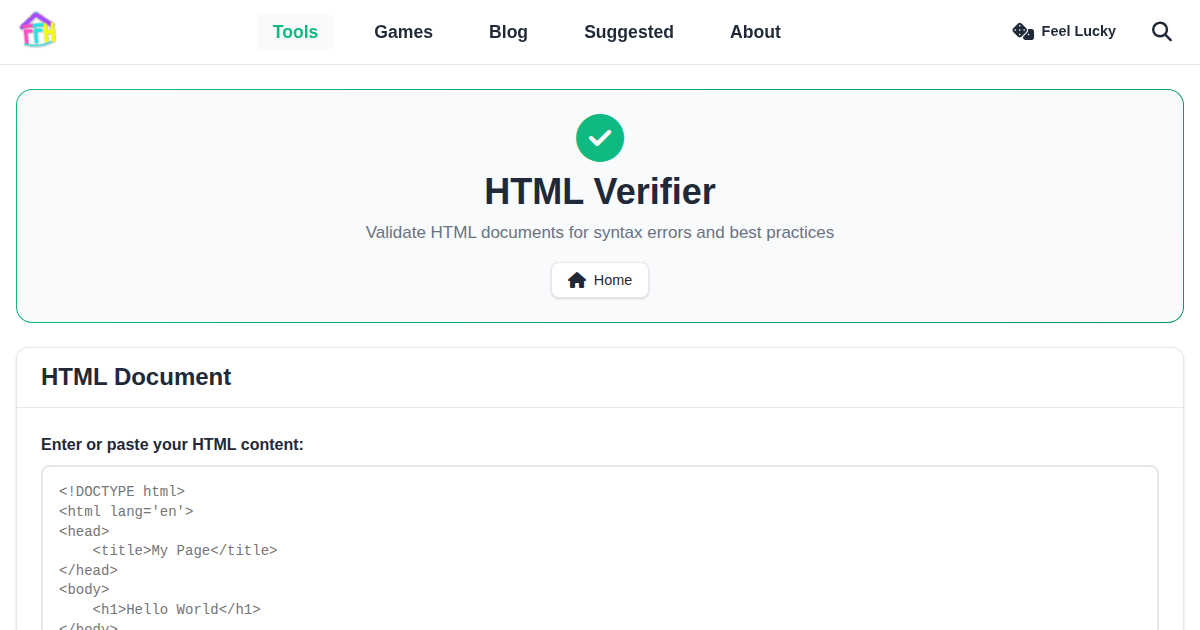
Writing valid HTML matters for accessibility, SEO, and cross-browser compatibility. The HTML Verifier analyzes your markup and reports issues like unclosed tags, missing attributes, deprecated elements, and nesting errors. Paste your code, click verify, and get a clear list of problems to fix.
Cron Wizard: Schedule Tasks Without the Headache
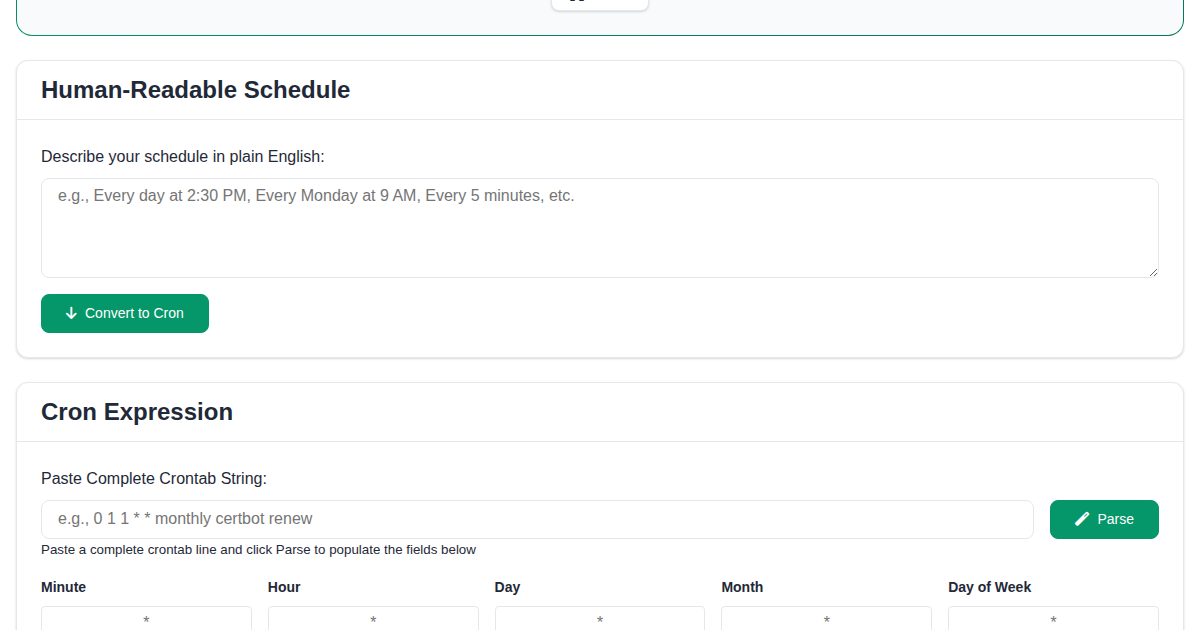
Cron expressions are powerful but notoriously hard to read. The Cron Wizard lets you build cron schedules visually and see a human-readable description of when your job will run. No more guessing whether 0 */6 * * 1-5 means what you think it means.
- Visual builder - Select minutes, hours, days, and months with simple controls
- Live preview - See upcoming execution times instantly
- Reverse lookup - Paste an existing expression to understand what it does
DNS Dig: Look Up Any Domain
Need to check DNS records for a domain? The DNS Dig tool lets you query A, AAAA, MX, CNAME, TXT, and NS records directly from your browser. It is ideal for troubleshooting email delivery issues, verifying domain configurations, or checking propagation after a DNS change.
Base64 Encoder/Decoder: Encode and Decode Instantly
The Base64 Encoder/Decoder converts text or data to and from Base64 encoding. It is perfect for encoding API tokens, decoding email headers, or preparing data for embedding in JSON or HTML. Paste your input, choose encode or decode, and get results instantly.
URL Encoder/Decoder: Handle Special Characters
URLs break when they contain spaces, ampersands, or non-ASCII characters. The URL Encoder/Decoder encodes and decodes URL components so your links and query parameters work correctly every time.
UTM Builder: Track Your Marketing Campaigns
The UTM Builder helps you create properly tagged campaign URLs for Google Analytics. Fill in source, medium, campaign name, and optional fields, and the tool generates a ready-to-use tracking URL. No more manually concatenating query parameters and hoping you did not miss an ampersand.
Why Use Browser-Based Developer Tools?
- Privacy - Your data never leaves your device
- Speed - No installation, no startup time, no updates
- Cross-platform - Works on Windows, Mac, Linux, and mobile
- Always available - Bookmark them and they are one click away
- Free forever - No subscriptions, no feature gates
Start Building Smarter
All developer tools on FunnyFunHouse are free, fast, and private. Bookmark the ones you use most and streamline your daily workflow.