Weak passwords remain one of the biggest threats to online security. A password like "123456" or "password" can be cracked in seconds, yet millions of people still use them. The good news? Creating strong, unique passwords does not have to be complicated - and you do not need to install anything to do it.
Why Strong Passwords Matter
Every online account you own is only as secure as its password. Here is what makes a password strong:
- Length - At least 12 characters; longer is better
- Complexity - A mix of uppercase, lowercase, numbers, and symbols
- Uniqueness - Never reuse passwords across different accounts
- Randomness - Avoid dictionary words, birthdays, or predictable patterns
The problem is that truly random passwords are hard to come up with on your own. That is where a password generator comes in.
Generate Strong Passwords Instantly
The Password Generator on FunnyFunHouse creates cryptographically random passwords with a single click. You can customize:
- Password length - From short PINs to 64-character passphrases
- Character types - Toggle uppercase, lowercase, numbers, and special characters
- Multiple passwords - Generate several at once to pick the one you like
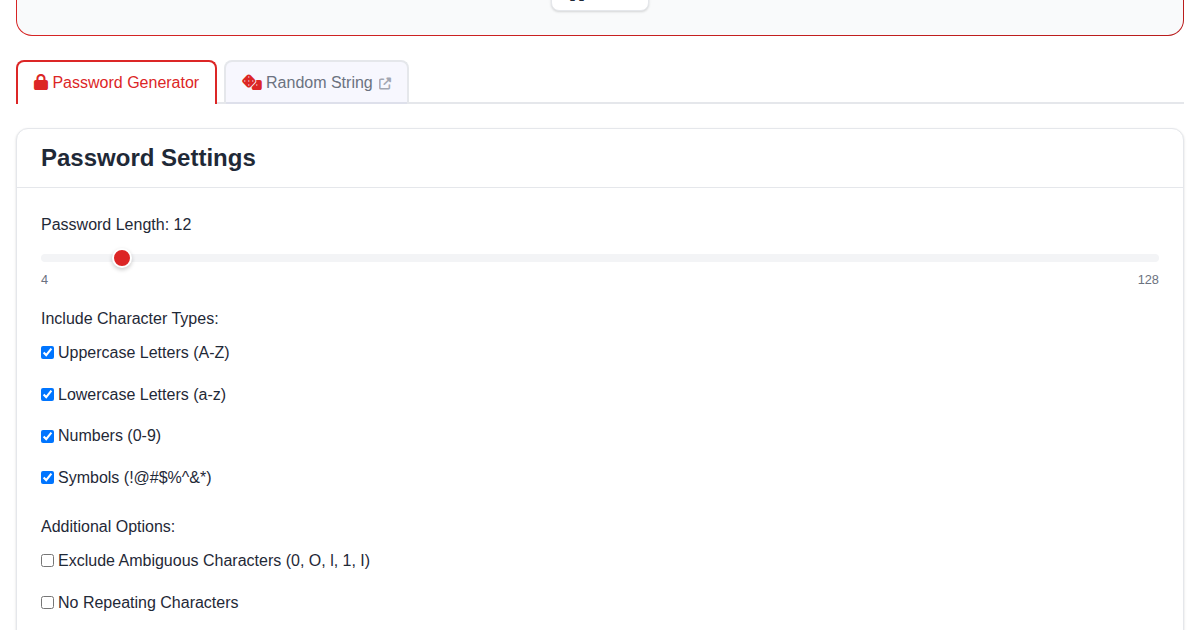
Everything happens in your browser. No passwords are ever sent to a server, stored, or logged. Your generated passwords stay between you and your screen.
Verify File Integrity with Hashes
Downloaded a file and want to make sure it has not been tampered with? The File Hash Calculator lets you compute MD5, SHA-1, SHA-256, and SHA-512 hashes for any file - entirely in your browser.
Common use cases:
- Software verification - Compare the hash of a downloaded file against the official checksum
- Data integrity - Confirm that a file was not corrupted during transfer
- Forensics - Generate hash fingerprints for documents and files
Explore Encryption and Encoding
For developers and security enthusiasts, FunnyFunHouse offers additional tools:
- Cipher Encryption - Encrypt and decrypt text using classic ciphers like Caesar, Vigenère, and ROT13
- Base64 Encoder/Decoder - Convert text and files to and from Base64 encoding
- URL Encoder/Decoder - Safely encode special characters in URLs
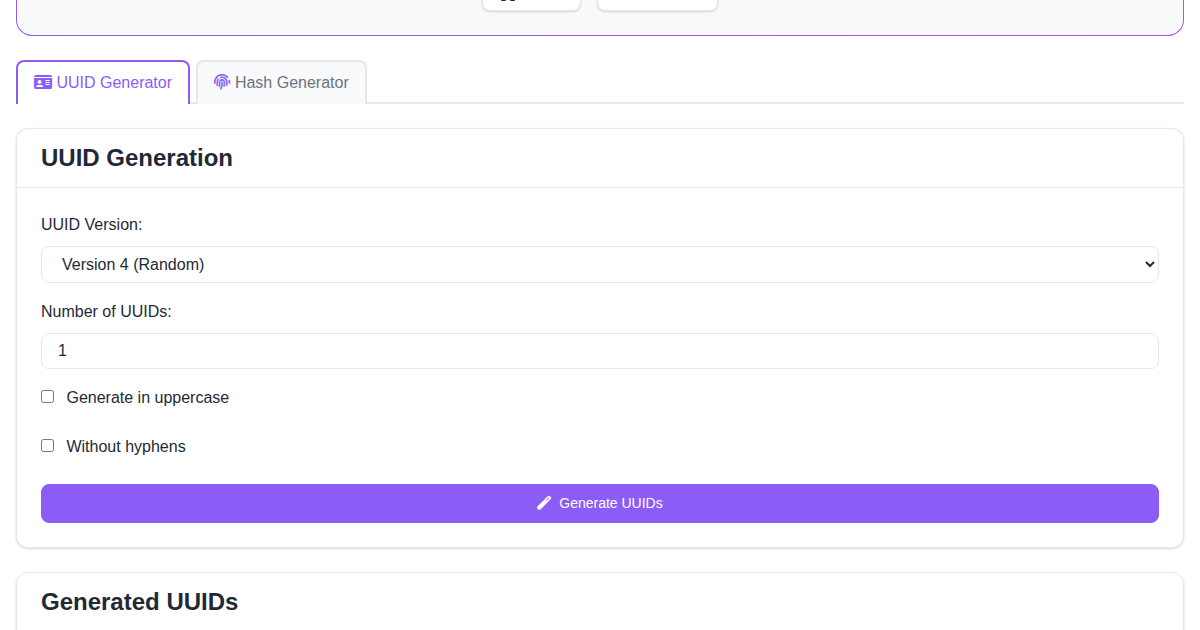
- UUID Hash Forge - Generate UUIDs and compute text hashes
These tools are useful for learning about cryptography, debugging encoded data, or preparing content for web applications.
Best Practices for Account Security
Beyond using strong passwords, here are a few tips to keep your accounts safe:
- Use a password manager - Store your generated passwords in a trusted password manager
- Enable two-factor authentication - Add an extra layer of security wherever possible
- Check for breaches - Regularly verify that your accounts have not been compromised
- Update regularly - Change passwords for critical accounts every few months
- Avoid public Wi-Fi - Use a VPN when accessing sensitive accounts on public networks
Free, Private, and Always Available
All security tools on FunnyFunHouse are free, require no account, and process everything locally in your browser. Your passwords, files, and data never leave your device.