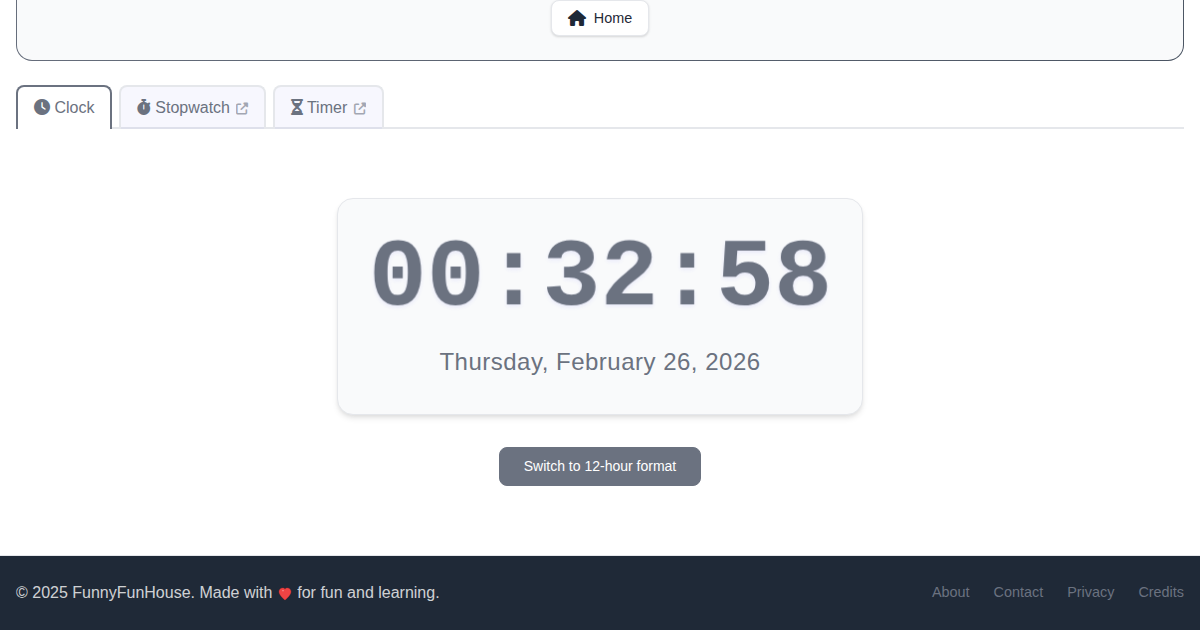
Sometimes the simplest tools are the most useful. The FunnyFunHouse Clock is a clean, distraction-free digital clock that does one thing and does it well - showing you the current time and date in a beautiful, readable format.
Why Use a Browser-Based Clock?
You might wonder why you would need a clock app when your computer already shows the time. Here are a few common use cases:
- Meeting rooms - Display the current time on a large screen so everyone can see it at a glance
- Desk display - Turn an old tablet or monitor into a dedicated desk clock
- Presentations - Keep track of time during talks without switching windows
- Focus sessions - Use full-screen mode for a minimal, distraction-free time display
- Classrooms - Show students the current time on a projector
Key Features
12-Hour and 24-Hour Format
Toggle between 12-hour (AM/PM) and 24-hour format with a single click. Your preference is saved automatically, so the clock remembers your choice the next time you visit.
Live Date Display
Below the time, the clock shows today's date in a clear, human-readable format. No need to hover over your taskbar or open a calendar - the date is always visible.
Keyboard Shortcuts
Power users will appreciate the keyboard shortcut support. Press R to refresh the clock display instantly. The app integrates with the FunnyFunHouse hotkey system, so you can see all available shortcuts by pressing ?.
Full-Screen Mode
For the best desk-clock experience, press F11 in your browser to go full screen. The clock's clean design ensures the time is readable even from across the room.
Related Time Tools
The Clock is part of a family of time-related tools on FunnyFunHouse:
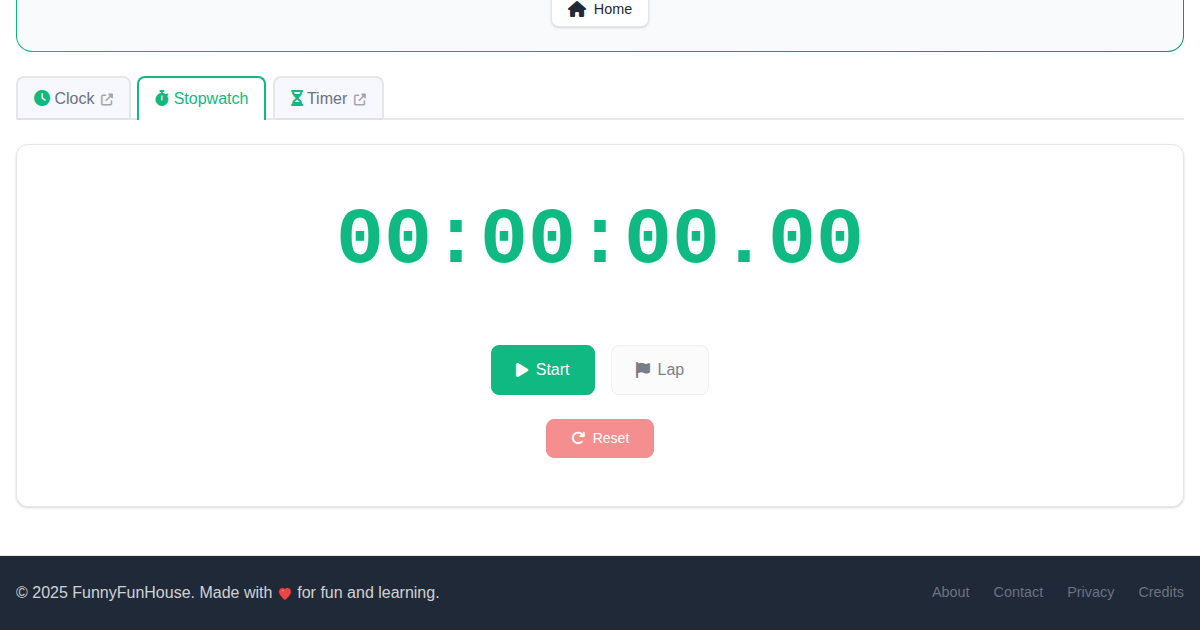
- Stopwatch - Measure elapsed time with lap tracking
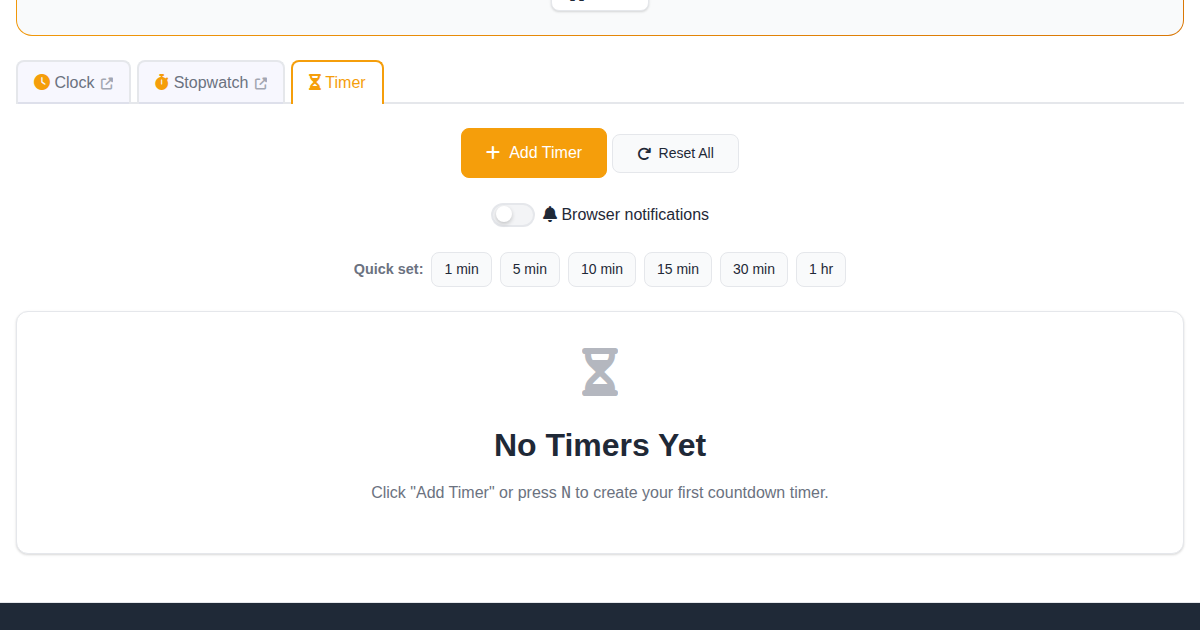
- Timer - Set countdown timers for cooking, workouts, or study sessions
- Time Calculator - Add, subtract, and convert between time units
- Cron Wizard - Build and understand cron schedule expressions
Each tool is linked from the Clock's navigation tabs, making it easy to switch between them.
Perfect for Any Screen
The Clock app is fully responsive and works on any device:
- Desktop - Large, bold time display
- Tablet - Great for a nightstand or kitchen counter clock
- Mobile - Check the time with a clean, ad-free interface
Try It Now
Ready to see for yourself? Open the Clock app and give it a try. Toggle between time formats, go full screen, and discover why sometimes the simplest tool is the one you reach for most often.